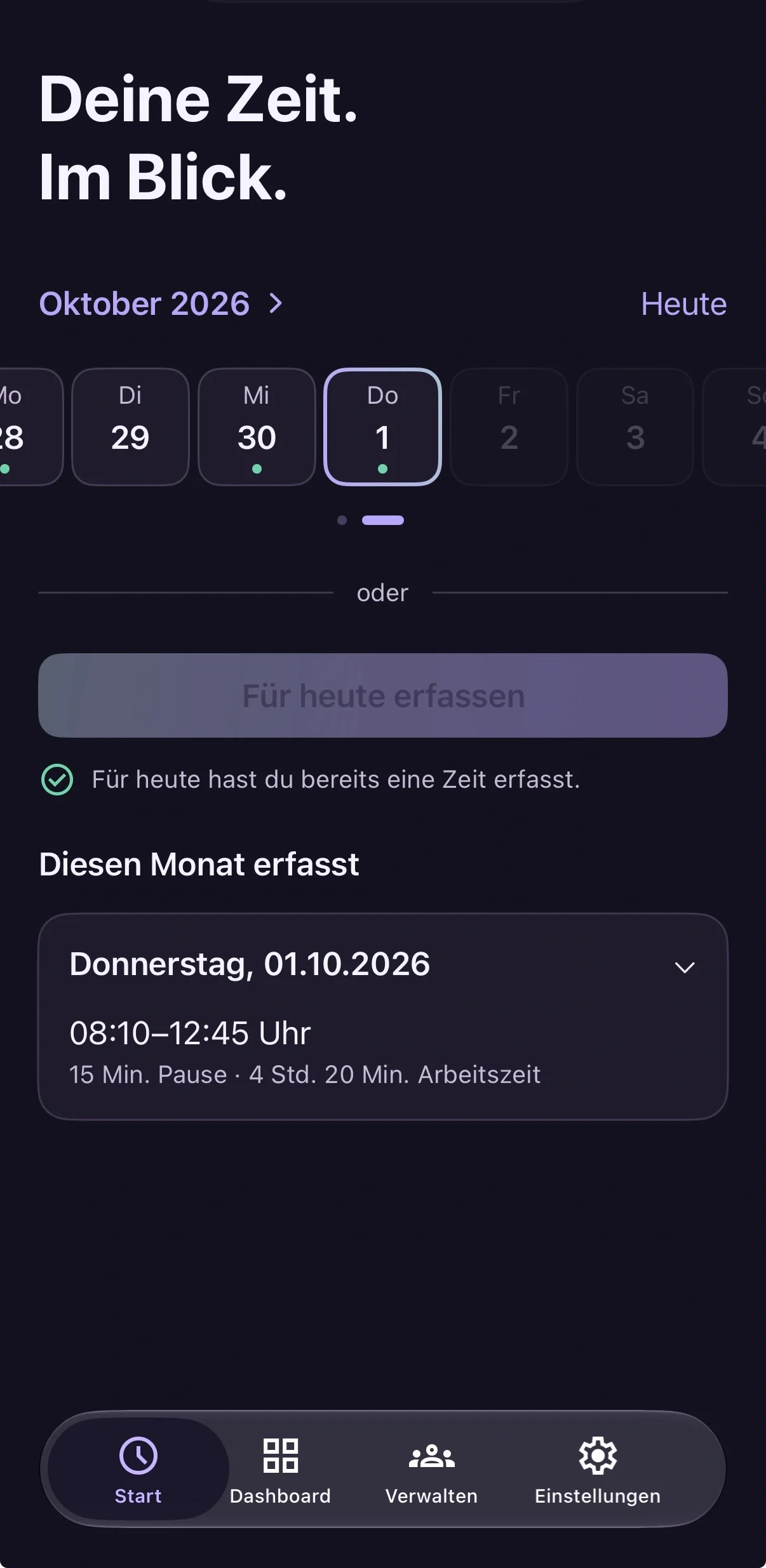
Record your day.
Choose the profile for the person you support and use its start time, end time and break. Enter individual times when your day is different.
Read the guide (German)

YOUR APP FOR SCHOOL SUPPORT
Time tracking for school support workers and social care organisations. Record working hours, keep track of your month and create digital timesheets – for you and your team.
For iPhone and iPad. With widgets, Apple Watch and Siri.

Use the stooze app to record time with personal quick capture profiles, review your month and prepare a separate report for each person you support.
Choose the profile for the person you support and use its start time, end time and break. Enter individual times when your day is different.
Read the guide (German)Review recorded days and net hours for each supported person. Check every client report and keep outstanding submissions in view.
Read the guide (German)Review and sign each report on iPhone, iPad or Android. Save the PDF and submit it individually by printing or email.
Read the guide (German)Track your time on iPhone and iPad with iOS 26 or iPadOS 26 and later – with widgets and Siri. On your Apple Watch with watchOS 10 and later.

Record your standard time directly from the stooze widget. Choose a square or wide widget to suit your layout.
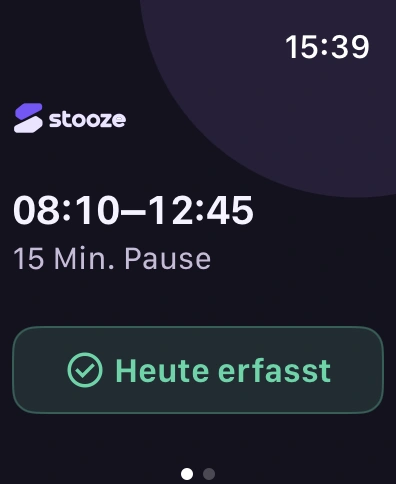
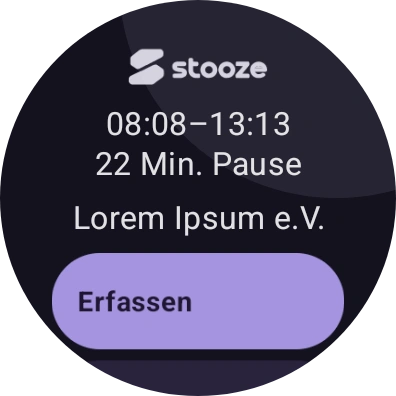
Use your standard time or adjust start, end and break. Your iPhone handles the transfer of entries from your Watch.
Ask Siri to record your standard time for today. Siri also lets you know if you have already recorded the day.
Track your time on your Android phone or tablet with Android 12 and later – and on your wrist with Wear OS 3 and later.
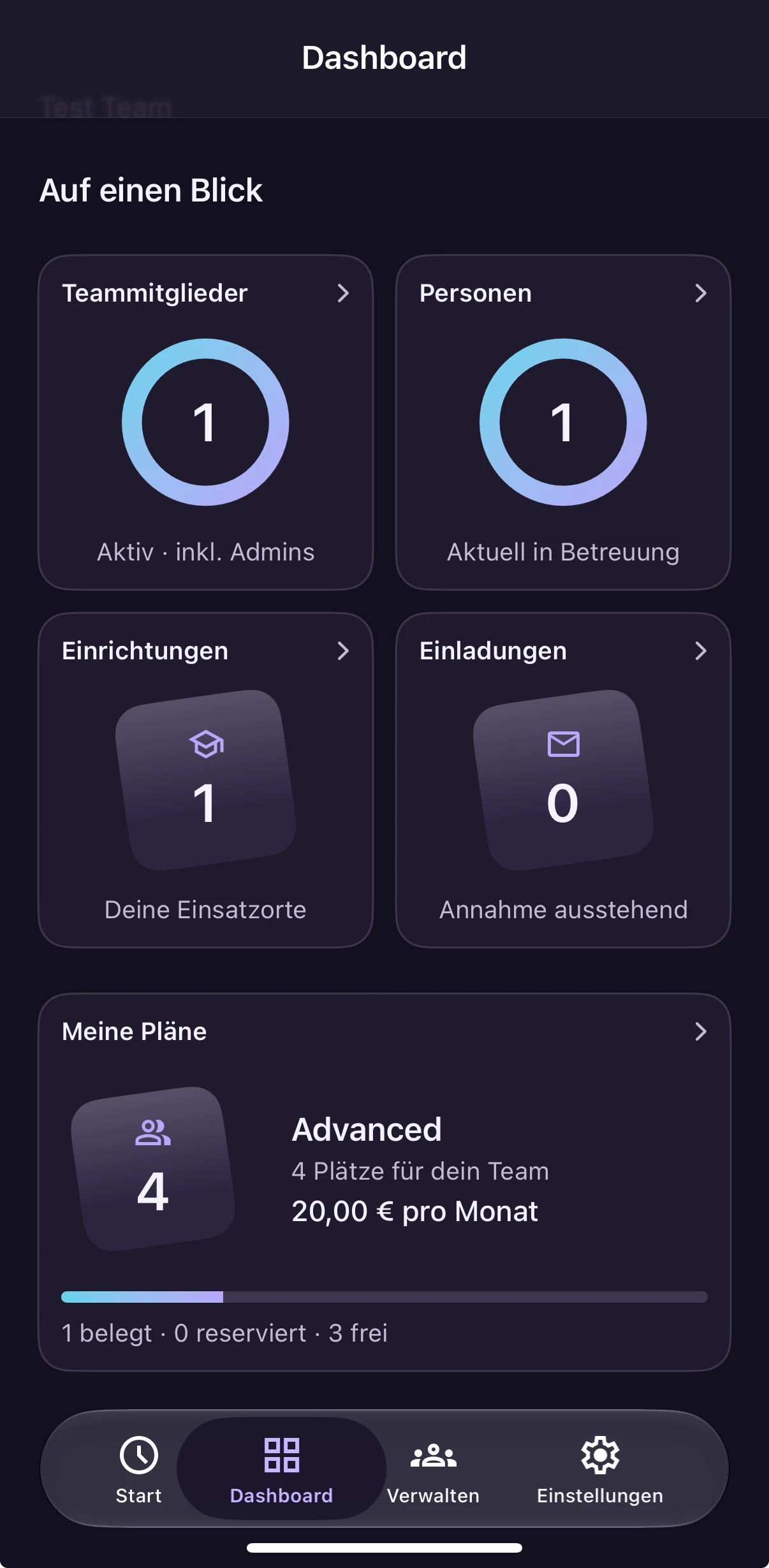

Touch and hold the stooze app icon, then choose today’s capture or an individual entry to go straight to the right flow.
Switch to the quick capture profile for the person you support. Check start, end, break and setting before saving your day.
Enter individual times when your day differs from your usual schedule. Keep track of your entries in the monthly overview.
PRIVACY & SECURITY
Supporting people comes with responsibility. That is why privacy and digital security are priorities at stooze — from the first product idea through to operation.
Our principle is to process only the data needed for the task at hand. Information about the people you support deserves particular care.
Our principle: information about the people you support should be visible where it is needed for the task at hand. It should not automatically appear in every overview or notification.
When making changes, we review the privacy and security risks involved. We also handle hosting, access and data responsibly in day-to-day operation.
DEVELOPED IN GERMANY
Developed in Germany, with experience from everyday school support.

stooze is developed in Germany, inspired by everyday school support and built for your working day. Bianca’s idea and Maximilian’s development bring practical experience and software development together.
More about Made in Germany ↗Between lessons, breaks and supporting pupils, your own working hours need to stay clear. stooze connects daily time entries with a digital monthly timesheet.
stooze is a time tracking app for school support workers and their teams. Personal quick capture profiles connect exactly one supported person with settings and standard working times. You record start, end and break in the relevant profile. Entries form separate digital timesheets for each team, staff member, supported person and month.
Read the guide (German)stooze Web is the central team management workspace for social care organisations, in your computer’s browser. As a team admin, you invite members, manage support assignments and view completed monthly reports. Staff record their own time in the app. Mobile time tracking and administration on a computer belong to the same team.
Read the guide (German)In the app, you record time in the relevant profile instead of maintaining separate spreadsheets with formulas and monthly tabs. stooze calculates net time from start, end and break, then assigns entries to the relevant client report. Before submitting each report, you check that all working days are included and the details are correct.
Read the guide (German)Mobile time tracking is available for iPhone, iPad and Android. Widgets, Apple Watch and Siri offer additional ways to record time on Apple devices; Android offers shortcuts and time entry with Wear OS. stooze Web focuses on team management and the report designer. The handbook explains the individual workflows.
Read the guide (German)PRICING & PLANS
Explore Free or design your own report templates with Advanced. Compare current features and choose the number of users you need.
Setting up a team or joining by invitation? Find the right quick start in the handbook, with the key steps for your role.
Prepare your team in stooze Web: check places and responsibilities, invite members and review the first completed report. Use the checklist before sending your first invitation.
Team admin quick start (German) ↗Accept your invitation, set up your quick capture profiles and record your first working day. The guide takes you through to submitting your client reports.
School support worker quick start (German) ↗Talk to us about the possibilities for you, your team and your organisation.
Get to know the app step by step in the handbook, from setup to your finished report. Team admins can find dedicated guides to managing their team in stooze Web.