Invite your staff.
Invite your team by email and set permissions. You can resend or withdraw pending invitations.
How it works

stooze Web
Organise your team in stooze Web on your computer. Your staff record time in the app while you manage invitations, support assignments and completed reports.
Read the guide (German)
The key tasks for team admins – together in your browser.
Invite your team by email and set permissions. You can resend or withdraw pending invitations.
How it worksAssign supported people to the appropriate members, with a start date and an end date if needed. This determines who can select each person for a working day.
How it worksFind completed monthly reports in each member’s details, including days, hours and breaks. Export PDF and CSV files for further processing.
How it worksPrepare your organisation in stooze Web and support your team through its first steps.
Prepare your team in stooze Web: check places and responsibilities, invite members and review the first completed report. Use the checklist before sending your first invitation.
Team admin quick start (German) ↗Invite your staff and share their quick start guide. It takes them from accepting the invitation through their first time entry to submitting their reports.
Quick start for your team (German) ↗REPORTDESIGNER
Your logo, your colours, your layout. Give your timesheets a style that reflects your organisation and the way you work.
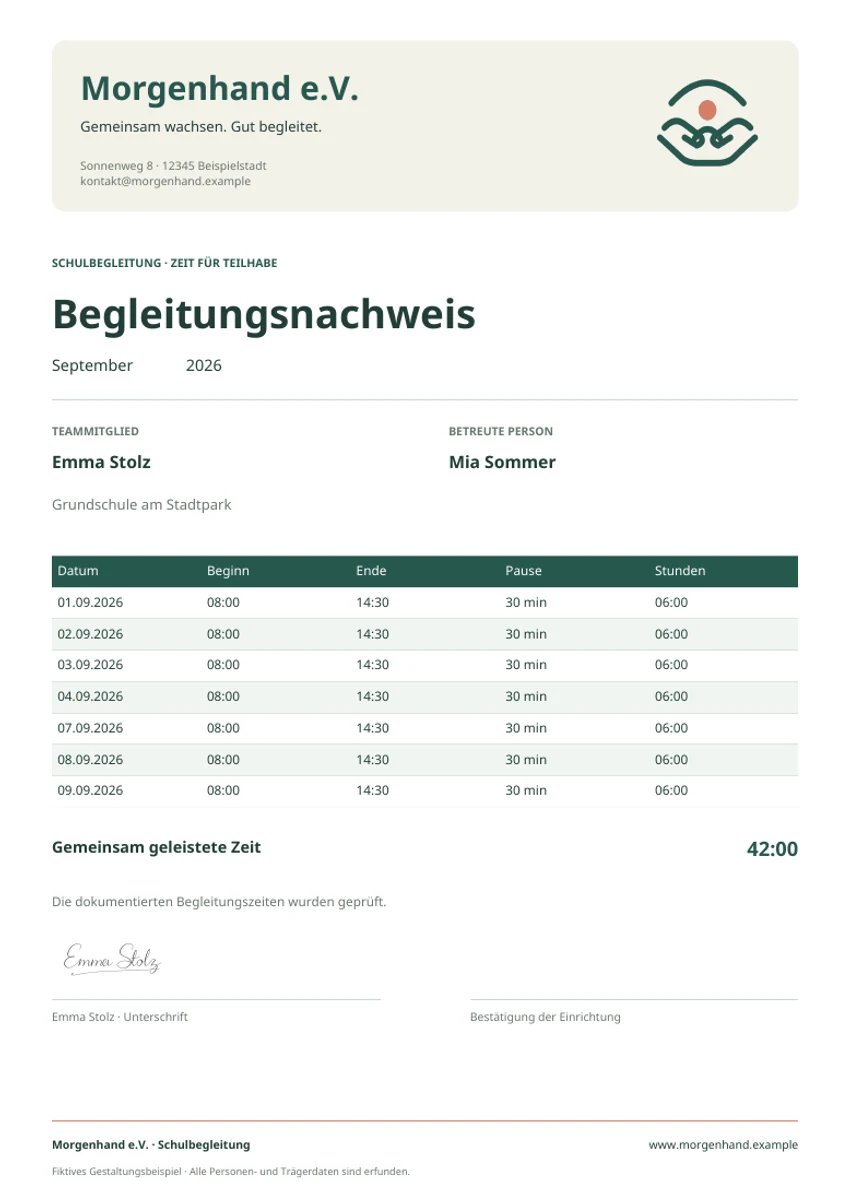
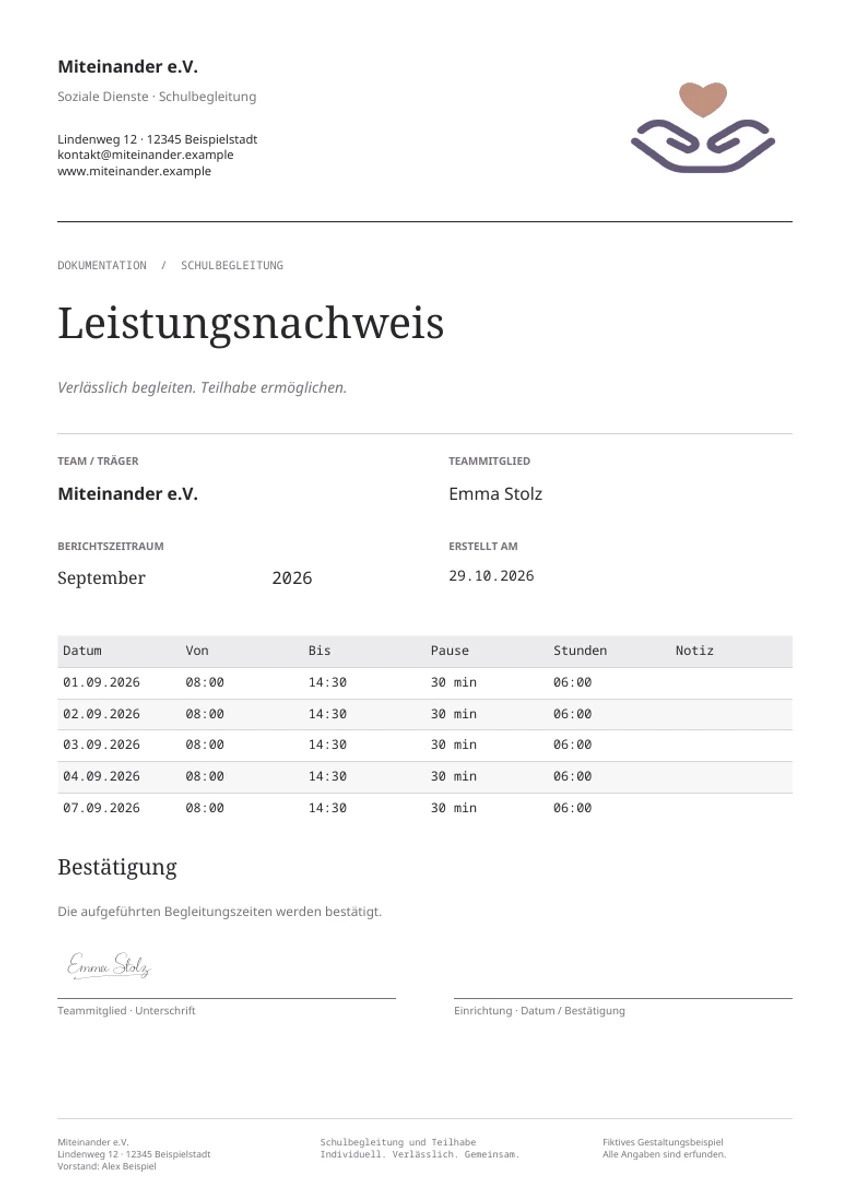
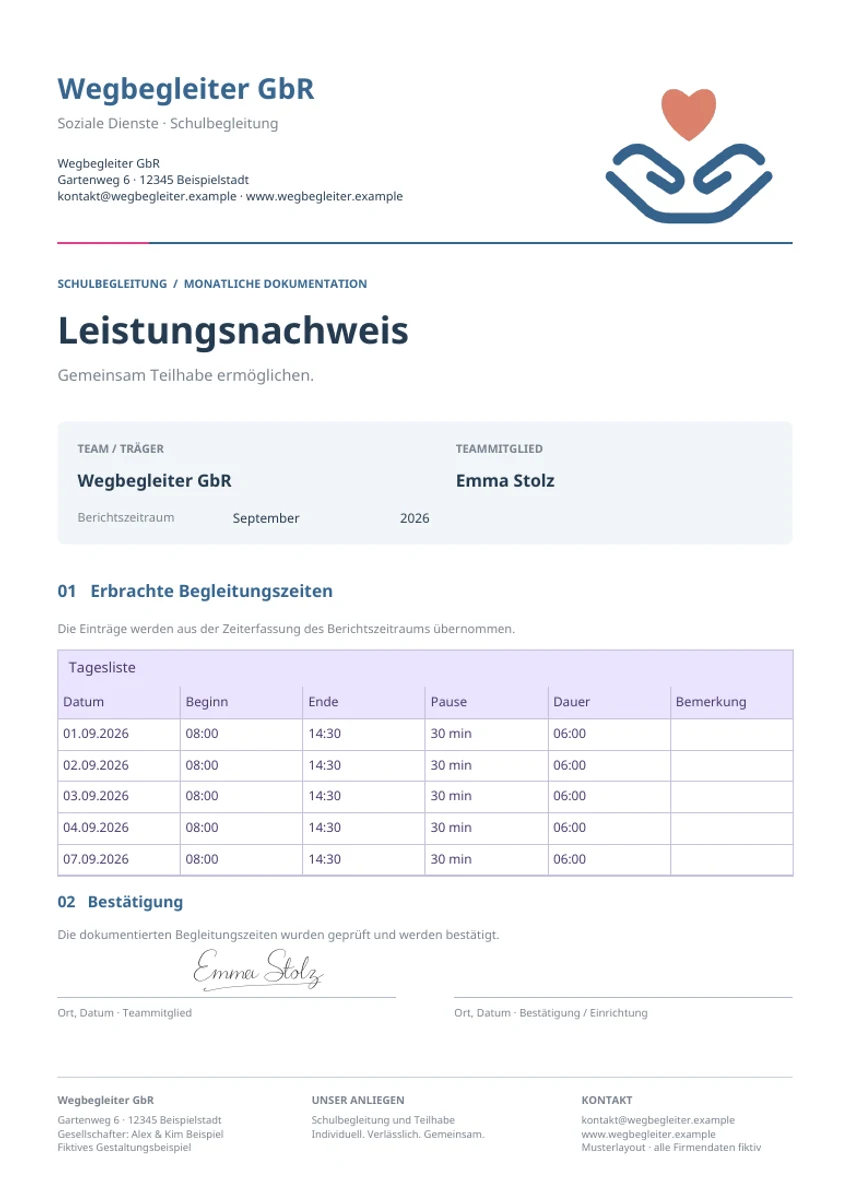
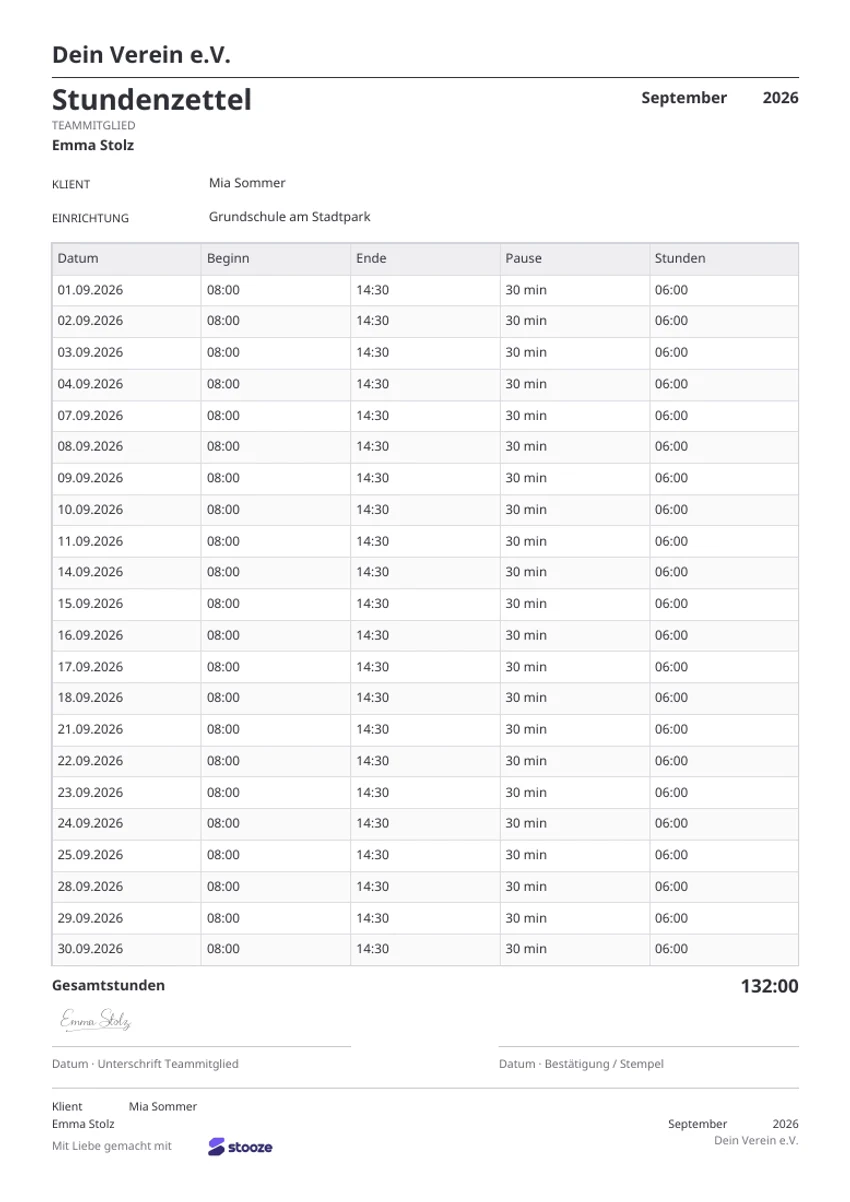
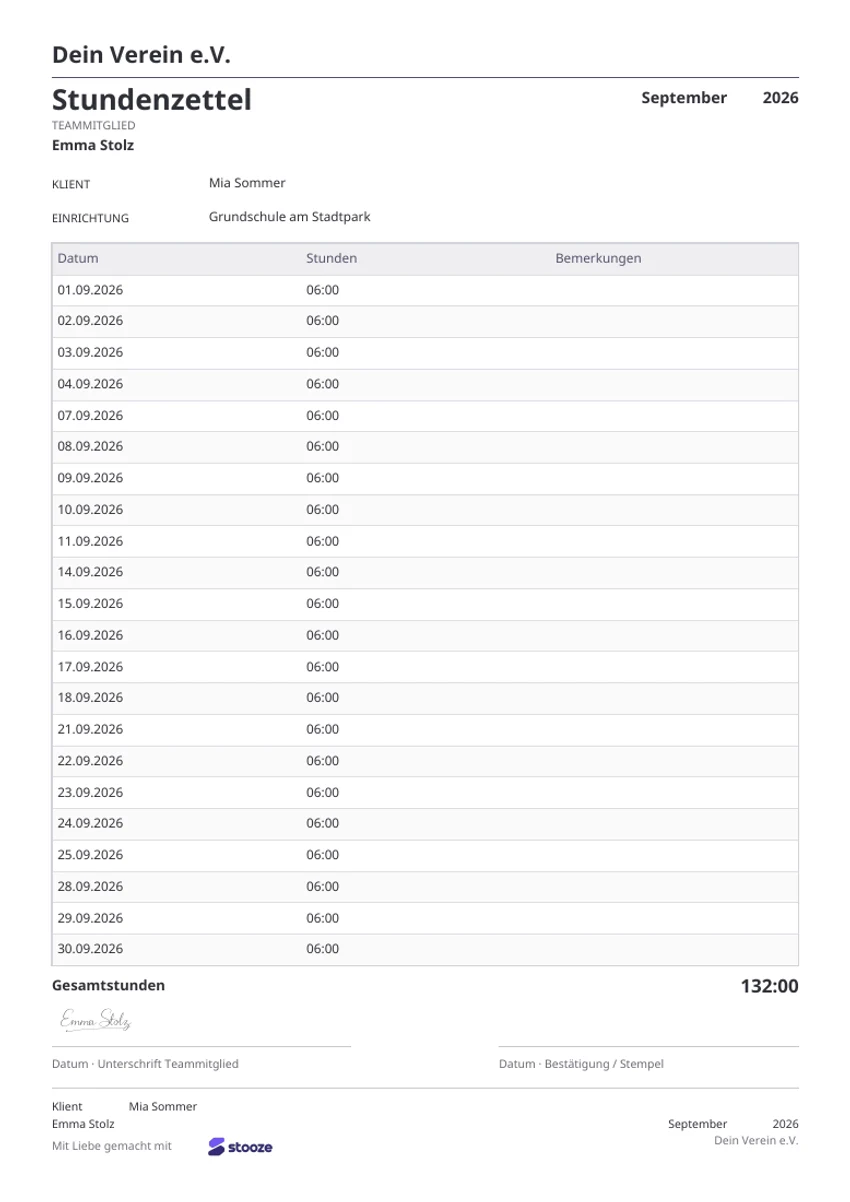
Start right away, design it yourself or let us help: choose the approach that fits your organisation and its requirements.
Get started with ready-made stooze templates. They are included in the Free plan and ready to use for your team’s timesheets.
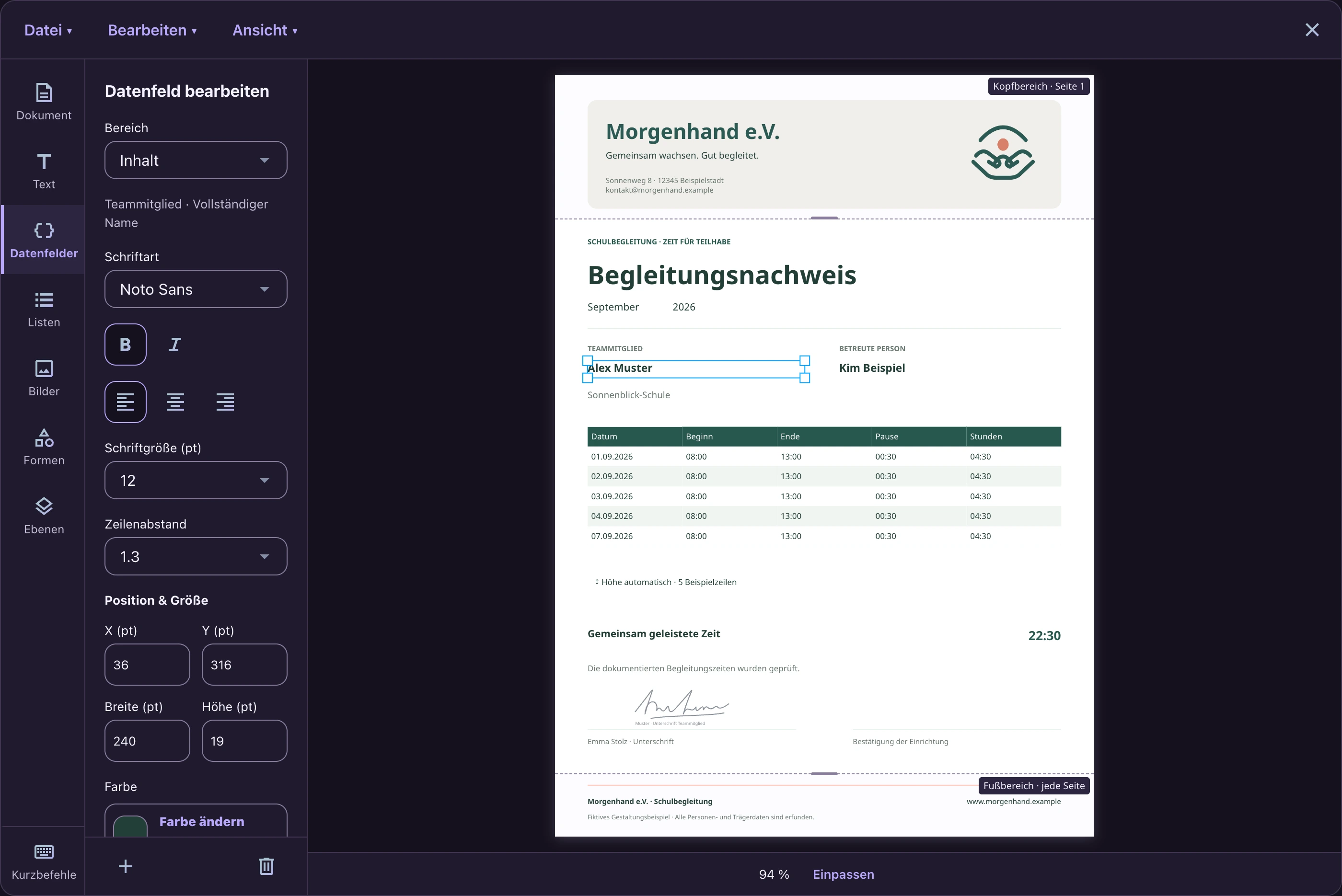
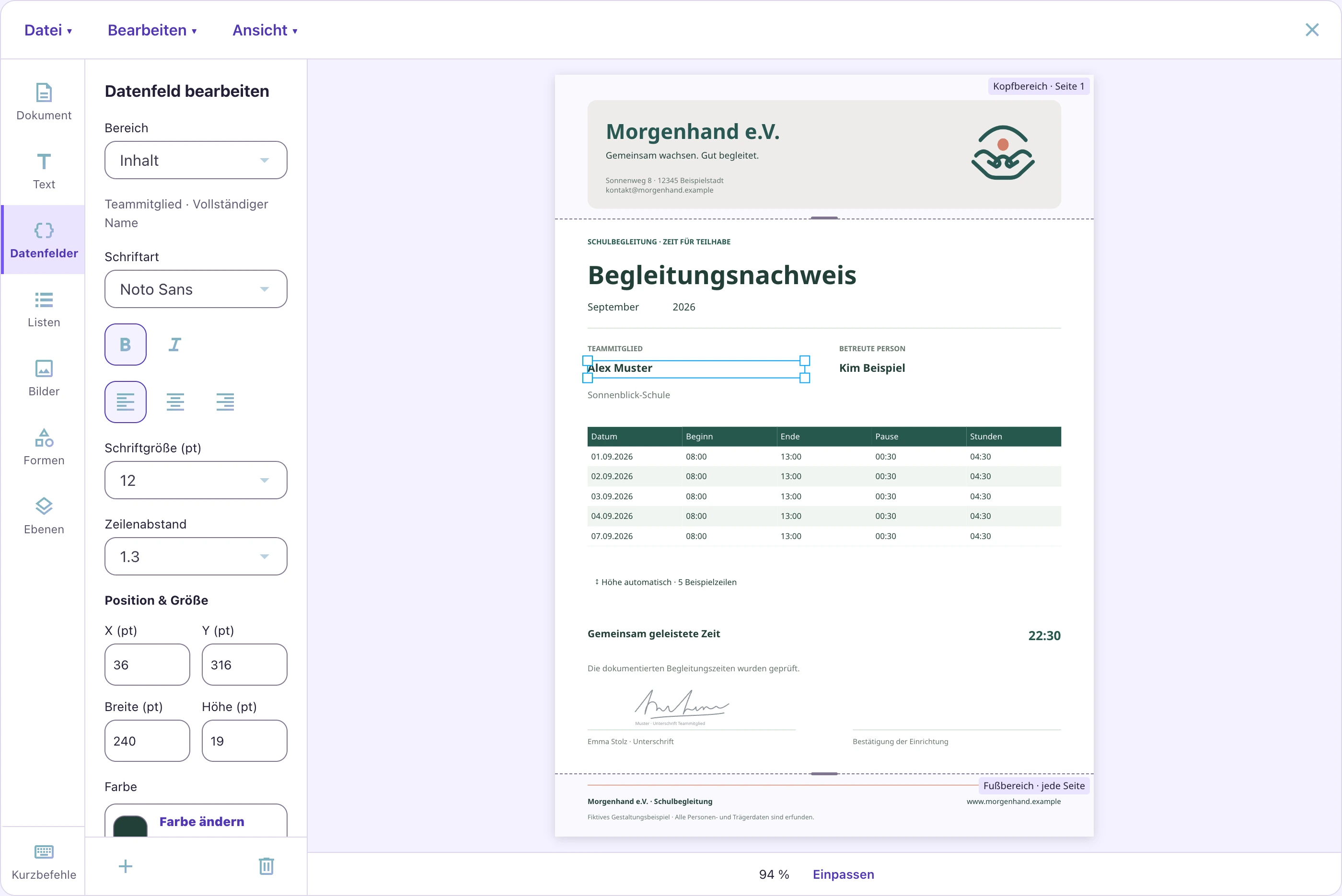
Customise the logo, data fields and layout in the report designer. With Advanced, save your own templates and release them for your team. You can try the designer with Free.
Report designer guide (German)Have specific requirements or prefer to leave the design to us? We offer a bespoke template design service for your organisation. Together, we agree on your requirements and the scope.
Request a templateCombine your own text, data fields, daily time lists and signature fields. Use your logo, colours and fonts to create reports that reflect your organisation.
School support workers work across different schools and may mainly meet their employer at team meetings or training sessions. Between those meetings, staff record time in the app while you manage assignments, permissions and report templates in stooze Web on your computer.
As a team admin, enter the person’s name and email address. When inviting them, you can decide whether they may create and edit supported people and assign existing people to them. Your new member opens the personal email link and joins with an existing account or sets their own password. You do not need to be in the same place. You can resend or withdraw pending invitations.
Read the guide (German)As a team admin, you can view completed monthly reports in each member’s details. Review working days, total hours, breaks and how the month was completed. PDF and CSV exports are available for reports. Access to older documents depends on your team’s plan.
Read the guide (German)Use the report designer in stooze Web on a larger screen to create templates with your organisation’s logo, data fields and daily time lists. You set the layout centrally; your team uses the released templates for its reports. Advanced lets you save and release your own team templates. Free lets you try the designer and use the unchanged stooze starter templates. Agree your timesheet requirements with the recipient.
Read the guide (German)As a team admin, assign supported people to the appropriate members with a start date and, when needed, an end date. These assignments determine which people a member can select for a working day. Members see the people currently assigned to them; creating and editing records requires the relevant permission. Responsibilities stay clear while staff record their own time.
Read the guide (German)Organise collaboration at your organisation with stooze Web on your computer.
The handbook shows you how to invite members, assign supported people and review completed reports.